Checkout Options
ConvertixCheckout for Hyvä Theme
This module is compatible only with Hyvä Theme. Luma-based storefronts are not supported.
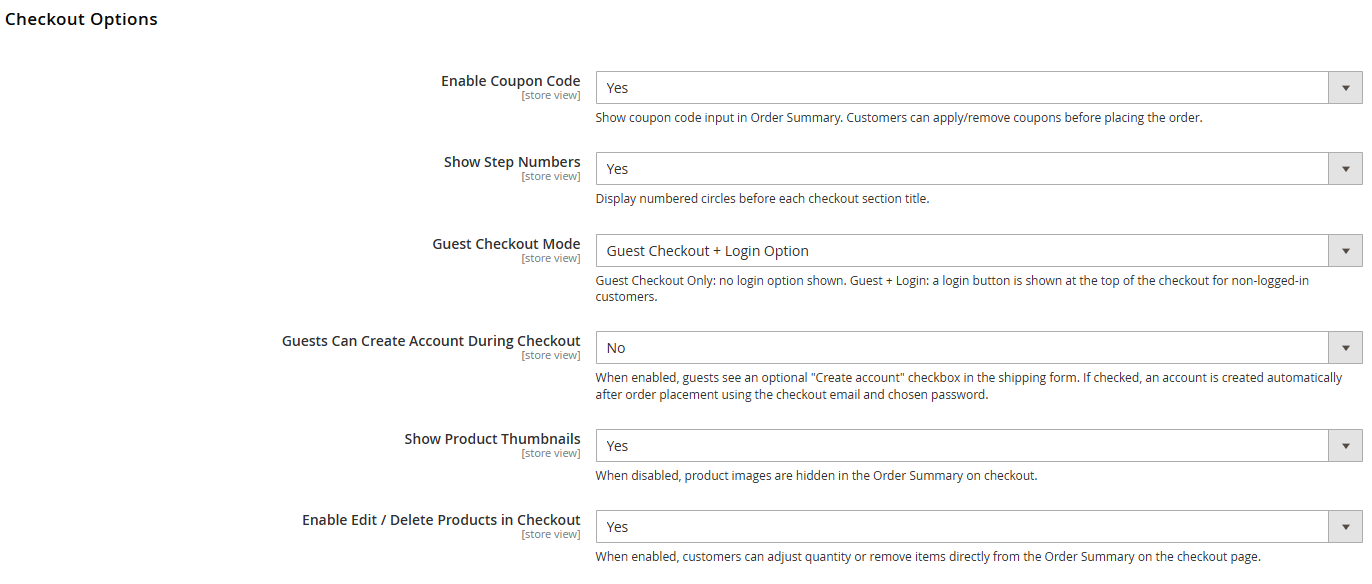
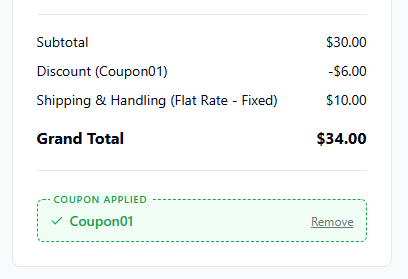
1. Enable Coupon Code
Show coupon code input in Order Summary. Customers can apply/remove coupons before placing the order.
2. Show Step Numbers
Display numbered circles before each checkout section title.
YES | NO |
|
|


3. Guest Checkout Mode
Guest Checkout Only: no login option shown. Guest + Login: a login button is shown at the top of the checkout for non-logged-in customers.
4. Guests Can Create Account During Checkout
When enabled, guests see an optional "Create account" checkbox in the shipping form. If checked, an account is created automatically after order placement using the checkout email and chosen password.
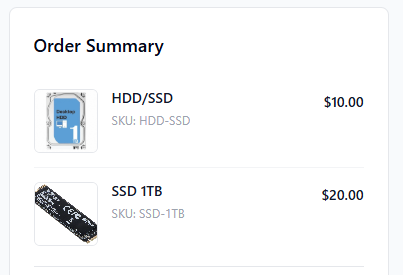
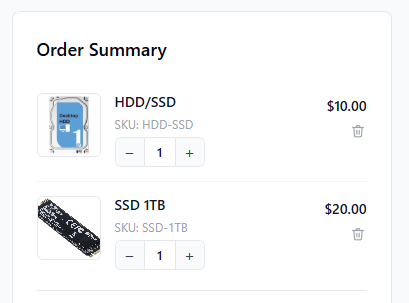
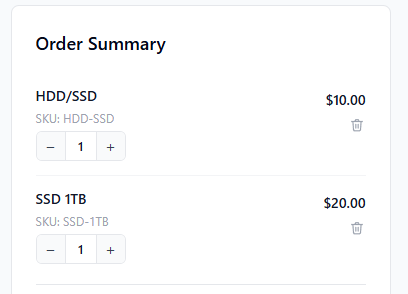
5. Show Product Thumbnails
When disabled, product images are hidden in the Order Summary on checkout.
YES | NO |
|
|
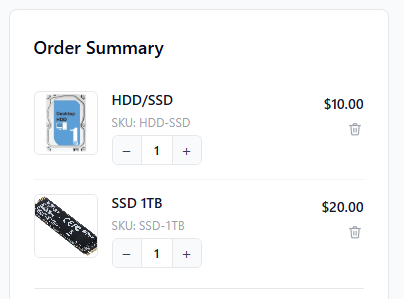
6. Enable Edit / Delete Products in Checkout
YES | NO |
|
|